
Introduction
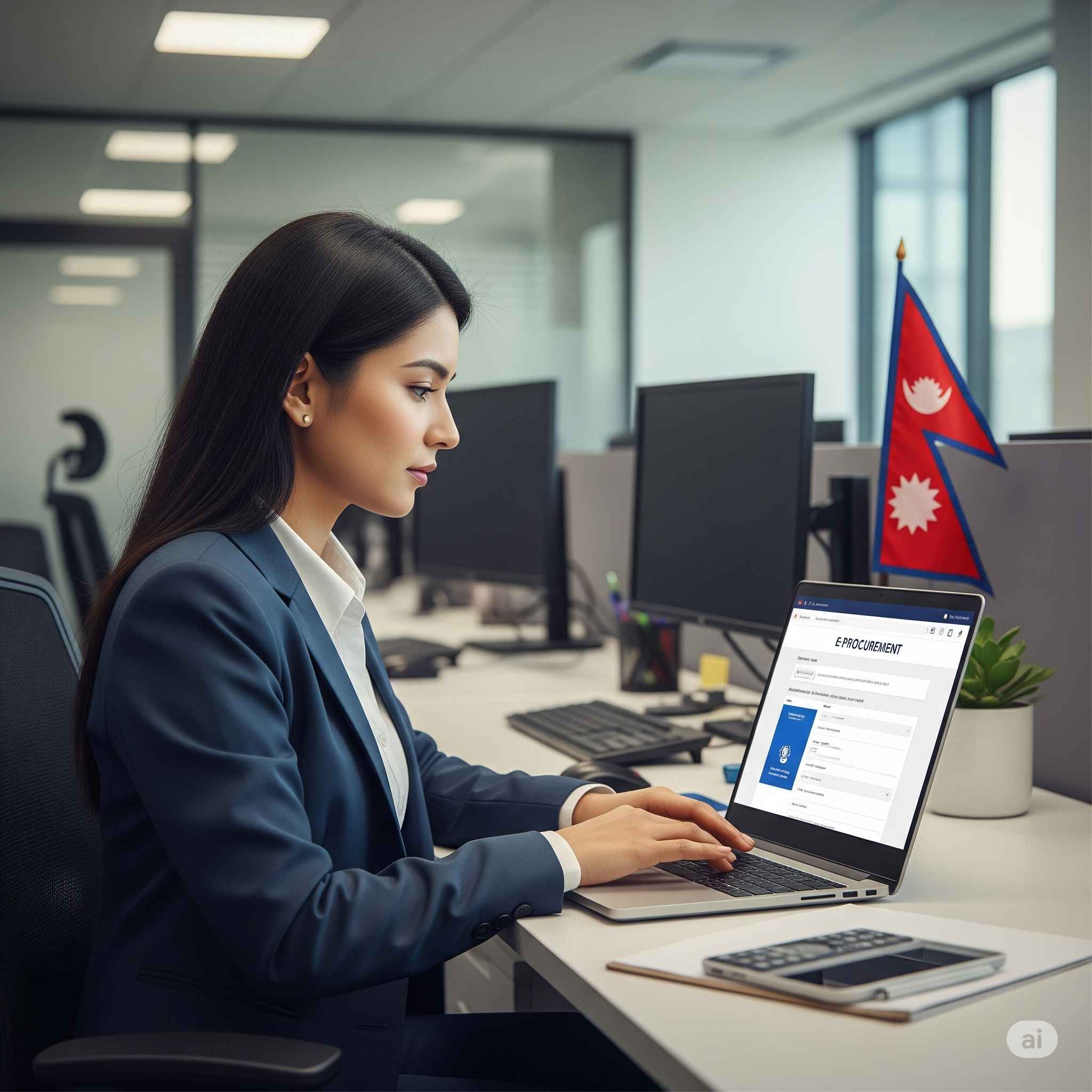
Registering for e-procurement in Nepal opens doors to numerous government contracting opportunities. The process involves creating an account on the official Bolpatra platform and completing verification procedures. This comprehensive guide will walk you through every step of the registration process.
Understanding E-Procurement Registration
What is E-Procurement Registration?
E-procurement registration is the process of creating a verified account on Nepal’s official procurement platform. Public Procurement Monitoring Office (PPMO) has the vision to establish a centralized e-Government Procurement (e-GP) System for nation wide public procurement management. This registration enables businesses to participate in government tenders and contracts.
Why Register for E-Procurement?
Registration provides access to:
- Government tender opportunities
- Transparent bidding processes
- Digital contract management
- Automated notification systems
- Secure payment processing
Prerequisites for Registration
Business Requirements
Before starting the registration process, ensure your business meets these basic requirements:
- Valid business registration in Nepal
- Active tax registration (VAT/PAN)
- Bank account with recognized financial institution
- Physical office address in Nepal
- Authorized representative with proper documentation
Technical Requirements
Your system must meet these specifications:
- Stable internet connection
- Updated web browser (Chrome, Firefox, Safari)
- PDF reading capability
- Document scanning equipment
- Digital signature tools (if required)
Required Documents for Registration
Mandatory Documents
You have to upload a company registration scan copy, a VAT/PAN registration scan copy, and a power of attorney. The power of attorney should be on the letterhead with a stamp. The complete list includes:
| Document Type | Format | Size Limit | Purpose |
|---|---|---|---|
| Company Registration Certificate | 1 MB | Legal entity verification | |
| VAT/PAN Registration | 1 MB | Tax compliance proof | |
| Power of Attorney | 1 MB | Authorization verification | |
| Bank Account Details | 1 MB | Financial information | |
| Tax Clearance Certificate | 1 MB | Tax compliance status |
Additional Documents
Depending on your business type, additional documents may be required:
- Professional licenses
- Technical certifications
- Insurance certificates
- Audited financial statements
- Business references
Step-by-Step Registration Process
How to Access the Registration Portal
- Visit Official Website: Navigate to bolpatra.gov.np
- Click Registration: Find the “New User Registration” button
- Select User Type: Choose “Bidder” for contractor registration
- Read Guidelines: Review terms and conditions carefully
Account Creation Process
The registration process involves several detailed steps:
Step 1: Basic Information Entry
- Enter company name exactly as registered
- Provide official business address
- Add primary contact information
- Create secure login credentials
Step 2: Business Details
- Select business category and type
- Specify areas of expertise
- Add company registration number
- Enter establishment date
Step 3: Contact Information
- Add authorized representative details
- Provide alternative contact persons
- Include emergency contact information
- Verify email addresses and phone numbers
Step 4: Document Upload In this section, you have to upload documents in PDF format with a document size less than 1 MB. Upload all required documents ensuring:
- Clear, readable scans
- Proper file naming
- Correct file formats
- Size compliance
Step 5: Review and Submit
- Double-check all entered information
- Verify document uploads
- Accept terms and conditions
- Submit registration application
Document Preparation Guidelines
How to Prepare Documents
Proper document preparation ensures smooth approval:
- Scan Quality: Use high-resolution scanning (300 DPI minimum)
- File Format: Convert all documents to PDF format
- File Size: Keep each document under 1 MB
- Naming Convention: Use descriptive file names
- Document Clarity: Ensure all text is readable
Common Document Issues
Avoid these frequent problems:
- Blurry or unclear scans
- Oversized files
- Incorrect file formats
- Missing required information
- Expired documents
Verification Process
How Long Does Verification Take?
The verification process typically takes 3-5 working days. During this period, PPMO officials review submitted documents and verify business information.
Verification Steps
- Document Review: Officials examine uploaded documents
- Information Verification: Cross-check business details
- System Update: Account status gets updated
- Notification: Email confirmation is sent
What Happens After Approval?
Once approved, you receive:
- Account activation notification
- Login credentials confirmation
- Access to tender opportunities
- Profile completion guidelines
Profile Completion
How to Complete Your Profile
After registration approval, complete your profile:
- Login to Account: Use approved credentials
- Update Business Information: Add detailed company profile
- Financial Information: Bidders must update their profile information (Turnover and contract details). The system will automatically represent the amount in millions when calculating the bidder’s average annual turnover, liability value (B), and bid capacity
- Technical Capabilities: List your expertise areas
- Past Performance: Add previous project details
Profile Sections to Complete
| Section | Information Required | Importance |
|---|---|---|
| Company Overview | Business description | High |
| Financial Data | Annual turnover, liability | Critical |
| Technical Expertise | Specialization areas | High |
| Past Projects | Previous contract details | Medium |
| Certifications | Professional licenses | High |
Registration Fees and Costs
Is Registration Free?
Yes, registration on the Bolpatra platform is completely free. No fees are charged for:
- Account creation
- Document verification
- Profile maintenance
- Basic platform access
Hidden Costs to Consider
While registration is free, consider these potential costs:
- Document preparation expenses
- Digital signature certificates
- Internet and communication charges
- Time investment for application
Common Registration Problems
Technical Issues
Users frequently encounter these problems:
- Slow internet affecting uploads
- Browser compatibility issues
- Document format errors
- File size limitations
- System maintenance downtime
How to Solve Registration Issues
Solutions for common problems:
- Upload Failures: Try different browsers or compress files
- Document Rejection: Ensure proper formatting and clarity
- System Errors: Clear browser cache and try again
- Verification Delays: Contact PPMO support for status updates
Post-Registration Steps
How to Start Bidding
After successful registration:
- Explore Opportunities: Browse available tenders
- Analyze Requirements: Study tender documents carefully
- Prepare Bids: Create competitive proposals
- Submit Applications: Follow submission guidelines
- Track Status: Monitor bid progress
Account Maintenance
Regular account maintenance ensures continued access:
- Update profile information annually
- Renew expired documents
- Maintain active contact details
- Monitor system notifications
Support and Help
Where to Get Help
Technical support is available through:
- PPMO helpdesk
- Online user manuals
- Training workshops
- Email support services
Contact Information
For registration assistance:
- Visit PPMO office in Kathmandu
- Call official helpline numbers
- Email technical support
- Use online contact forms
Frequently Asked Questions
How long does e-procurement registration take?
Registration typically takes 3-5 working days after document submission, depending on document quality and completeness.
What documents are required for registration?
Required documents include company registration certificate, VAT/PAN registration, power of attorney, bank account details, and tax clearance certificate.
Is there a registration fee?
No, registration on the Bolpatra platform is completely free of charge.
Can foreign companies register?
Yes, foreign companies can register but must meet specific requirements including local registration and tax compliance.
What if my registration is rejected?
If rejected, you’ll receive specific reasons. Address the issues and resubmit your application with corrected information.
How to update registered information?
Login to your account and update profile information. Some changes may require document resubmission for verification.
Can I register multiple businesses?
Each business entity requires separate registration. You cannot use one account for multiple companies.
What happens if I forget my login credentials?
Use the “Forgot Password” feature on the login page to reset your credentials using your registered email address.
Conclusion
Registering for e-procurement in Nepal is a straightforward process that opens access to numerous government contracting opportunities. Success depends on proper document preparation, accurate information entry, and following the step-by-step guidelines outlined in this guide.
The Bolpatra platform provides a transparent and efficient way to participate in government procurement. Once registered, businesses can explore various tender opportunities and contribute to Nepal’s development through public sector contracts.
Remember to keep your profile updated and maintain compliance with all requirements. Regular participation in the platform helps build your business reputation and increases success chances in government contracting.
For the most current information and updates, always refer to the official PPMO website and contact their support team when needed. Proper registration is the first step toward successful e-procurement participation in Nepal.